
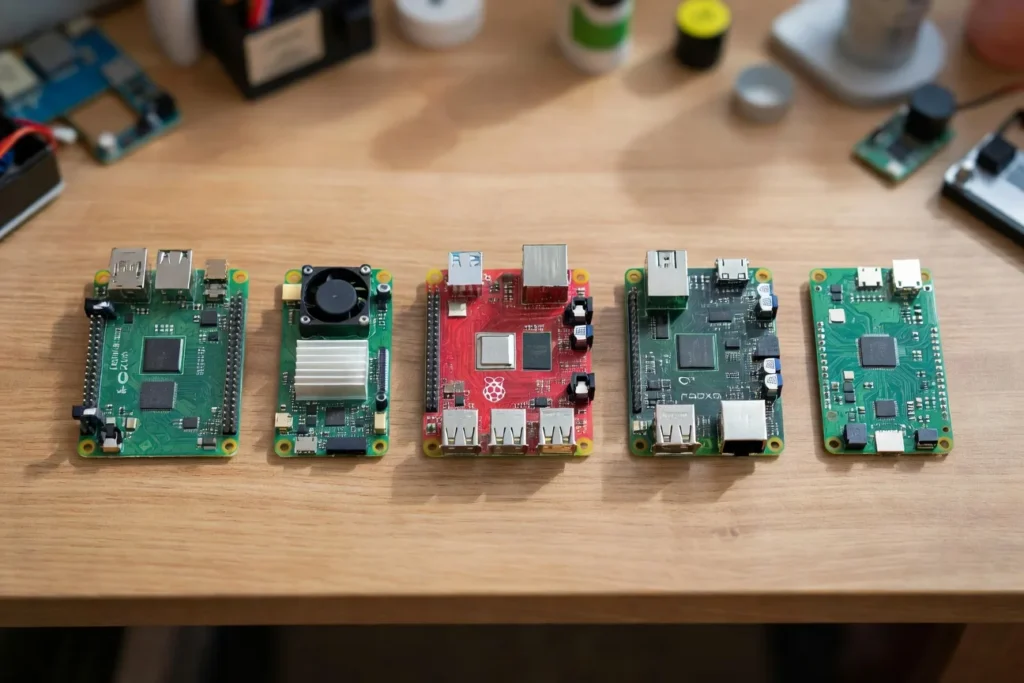
The Best Raspberry Pi Alternatives in 2026 (Orange Pi, Jetson, Rock Pi, and More)
The best Raspberry Pi alternatives in 2026 are the Orange Pi 5 Plus for price-per-watt, the NVIDIA Jetson Orin Nano Super for AI, the Radxa Rock 5B+ for desktops and NAS, the Libre Computer Le Potato for open-source firmware, and the ZimaBoard 2 for x86 home servers. Each beats the Pi 5 at one specific job.
I’ve been running Raspberry Pis for close to a decade. Every time the Pi runs short on horsepower for a project, the rest of the single-board market is worth a look. Some boards have legit reasons to exist alongside (or instead of) a Pi. Plenty don’t.
If you’d rather just stick with a Pi 5, I get it. The Pi ecosystem is the safest bet for most beginners. If you’ve already got a Pi and you’re hitting a wall, one of these boards is probably what you need.
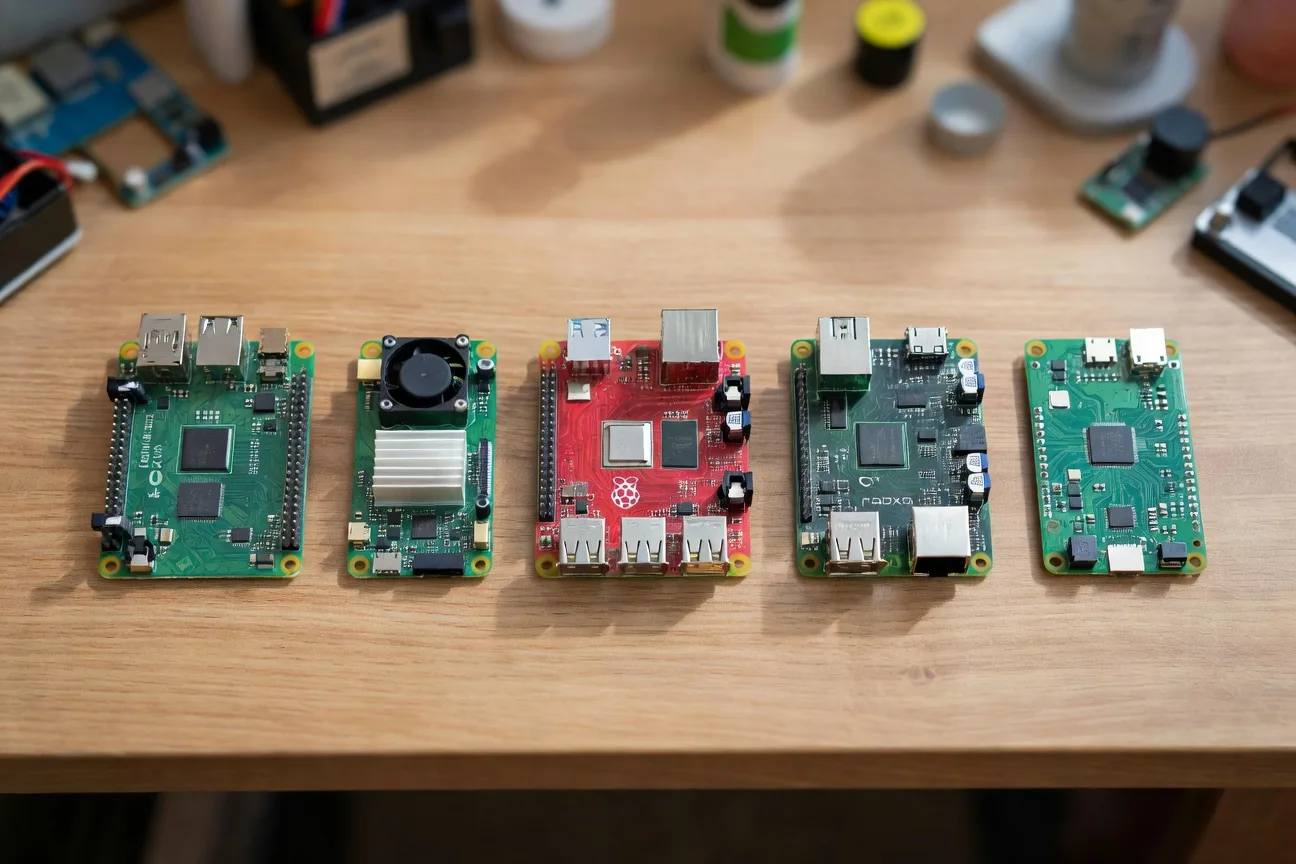
Why Leave the Raspberry Pi at All?
The Pi 5 is genuinely great. So why look elsewhere? Three reasons. AI workloads: the Pi 5 can run small LLMs through Ollama, but it’s slow. A Jetson eats this for breakfast. x86: some self-hosted software just runs better on x86 than ARM. ZimaBoard and Radxa X4 give you x86 in a Pi-sized footprint. Price-per-watt: a Pi 5 with a case, power supply, and SSD lands around $130. An Orange Pi 5 Plus 16GB clears that bar with 16GB RAM and onboard NVMe for similar money.
Pick By Goal: The Cheat Sheet
This is the table competitors keep missing. Most “alternatives” lists just rank boards by spec. That’s useless. The right alternative depends on what you’re trying to do.
| Your goal | Best alternative | Why | Approx. price |
|---|---|---|---|
| AI / ML compute | NVIDIA Jetson Orin Nano Super | 67 TOPS, CUDA, real ML toolchain | $249-$299 |
| Open-source firmware, mainline Linux | Libre Computer Le Potato | True mainline kernel, no vendor blobs | $35-$45 |
| Best price-per-watt SBC | Orange Pi 5 Plus 16GB | 16GB RAM + NVMe slot for ~$130 | $130-$160 |
| x86 home server | ZimaBoard 2 or Radxa X4 | Real x86, PCIe, full Linux compatibility | $159-$229 |
| Desktop replacement / NAS | Radxa Rock 5B+ | 8-core RK3588, dual 2.5GbE, 32GB option | $189-$229 |
| Cheap retro gaming | Orange Pi 3B or Rock Pi 4C+ | Cheap, hardware-decodes most ROMs | $35-$60 |
Tape this to your bench and save yourself three Reddit deep dives.
1. Orange Pi 5 Plus: The Price-Per-Watt Champion
The Orange Pi 5 Plus 16GB is the strongest “value of the spec sheet” play in this list. Rockchip RK3588 8-core CPU, up to 32GB RAM (16GB is the sweet spot), M.2 NVMe slot, dual 2.5GbE, HDMI 2.1 with 8K. For the money you’d spend on a Pi 5 plus case plus power supply plus NVMe HAT, you get all of it baked in.
Pricing runs $130-$160 for the 16GB version: Orange Pi 5 Plus 16GB on Amazon.
The RK3588 is a known low-single-digit-watt SoC at idle and lands in the low double digits under sustained load (Rockchip’s own product brief is the canonical reference). Software is the catch. Orange Pi’s official images are usable but not great. The community-built Armbian images are the right call.
Where it shines: home server, lightweight desktop, Frigate AI camera box (the RK3588’s 6 TOPS NPU is Frigate-compatible), Plex transcoding. Where it fails: anything that depends on Pi-specific HATs. The GPIO header is similar but not identical, and most Pi HATs don’t have Orange Pi driver support.
Verdict: best general Pi alternative in 2026 if you’re comfortable with Armbian. Buy the 16GB version. Check Orange Pi 5 Plus availability.
2. NVIDIA Jetson Orin Nano Super: AI Is the Only Reason
If your goal is local AI inference, just buy the Jetson Orin Nano Super Developer Kit. NVIDIA dropped this in late 2024 with a software update that pushed the original Orin Nano from 40 to 67 TOPS and cut the price roughly in half. Runs CUDA, TensorRT, every major LLM framework.
Developer kits run $249-$299: Jetson Orin Nano Super Developer Kit on Amazon.
NVIDIA’s own published Jetson benchmarks put Llama 3.1 8B Q4 well into double-digit tokens per second on the Orin Nano Super, real-time Whisper transcription, and YOLOv8 vision in the dozens of FPS at 1080p. The Pi 5 with an AI HAT+ can’t touch those numbers on LLM workloads. Always cross-check current numbers against NVIDIA’s Jetson benchmark page before buying based on a specific figure, since JetPack updates shift them.
Power is the trade-off. NVIDIA documents the Orin Nano envelope at up to 15W in 7W/15W modes and up to 25W in the MAXN mode the “Super” update unlocks. Sustained inference needs active cooling, and community threads consistently flag the included fan as loud enough to be worth swapping.
Software is Jetson Linux (Ubuntu-based) plus the JetPack SDK. Mature, and NVIDIA actually updates it. JetPack is Jetson-specific, so generic ARM tutorials don’t apply. Plan to spend a weekend learning the ecosystem.
Verdict: only buy this if AI is your main reason. For anything else it’s overkill. But for AI, nothing close. Check current Jetson pricing.
3. Radxa Rock 5B+: The Pi 5 Killer (If You Can Find One)
The Radxa Rock 5B+ is what the Pi 5 should have been, layout-wise. Same RK3588 as the Orange Pi 5 Plus, but with a much more thoughtful board: M.2 M-key NVMe on the back, 2.5GbE plus a regular gigabit port, USB 3.2 Gen 1 on the front, HDMI in (wild and useful), and proper PoE via the official HAT.
Pricing runs $189-$229 when in stock: Radxa Rock 5B+ on Amazon.
Community reports peg it in the low single digits idle and the low double digits under load, in line with other RK3588 boards. Radxa’s docs are much better than Orange Pi’s, which matters more than the spec sheet on day one.
Availability is the catch. Radxa sells direct, and Amazon stock comes and goes. If you see one at MSRP, grab it. Check Radxa Rock 5B+ stock.
Verdict: best Pi alternative for desktop use and NAS builds. The HDMI input alone is a killer feature if you want to build a KVM.
4. Libre Computer Le Potato: For the Open-Source Purists
This is the board nobody talks about, and the one I respect most. The Libre Computer “Le Potato” (AML-S905X-CC) is a Pi 3 B+ form-factor board that runs entirely on mainline Linux. No vendor kernel blobs, no Rockchip BSP nightmare, no Broadcom proprietary firmware. You install standard upstream Debian or Ubuntu and everything works.
It’s the cheapest legitimate Pi alternative I’d recommend, at $35-$45: Libre Computer Le Potato on Amazon.
Specs are modest: Amlogic S905X quad-core ARM Cortex-A53, up to 2GB RAM, gigabit Ethernet, four USB 2.0 ports. Roughly Pi 3 B+ class hardware, plenty for Pi-hole, Home Assistant Lite, a print server, or a basic IoT bridge. The S905X is a well-known low-wattage SoC in the same envelope as a Pi 3.
Why this board matters: the moment you care about long-term support, the mainline-kernel story is the whole story. The Pi 5 still uses a downstream kernel, and Orange Pi/Radxa lean on Rockchip’s BSP. Le Potato doesn’t. If you want a board you can still run in 2032 with the latest Linux LTS, this is it. Le Potato current pricing.
Verdict: not the fastest, but the most honest. If you’ve been bitten by software rot on cheap SBCs, this is the answer.
5. ZimaBoard 2: x86 in a Pi Footprint
The ZimaBoard 2 from IceWhale is what you buy when you really want x86 but don’t want a full mini PC. Intel N-series x86 (the ZB2-832 is N97-class), 8GB or 16GB LPDDR5, two SATA 3 ports for actual 3.5″ drives, a PCIe 3.0 x4 slot, two 2.5GbE ports, runs ZimaOS or vanilla Debian out of the box.
Pricing runs $159-$229 depending on model: ZimaBoard 2 on Amazon.
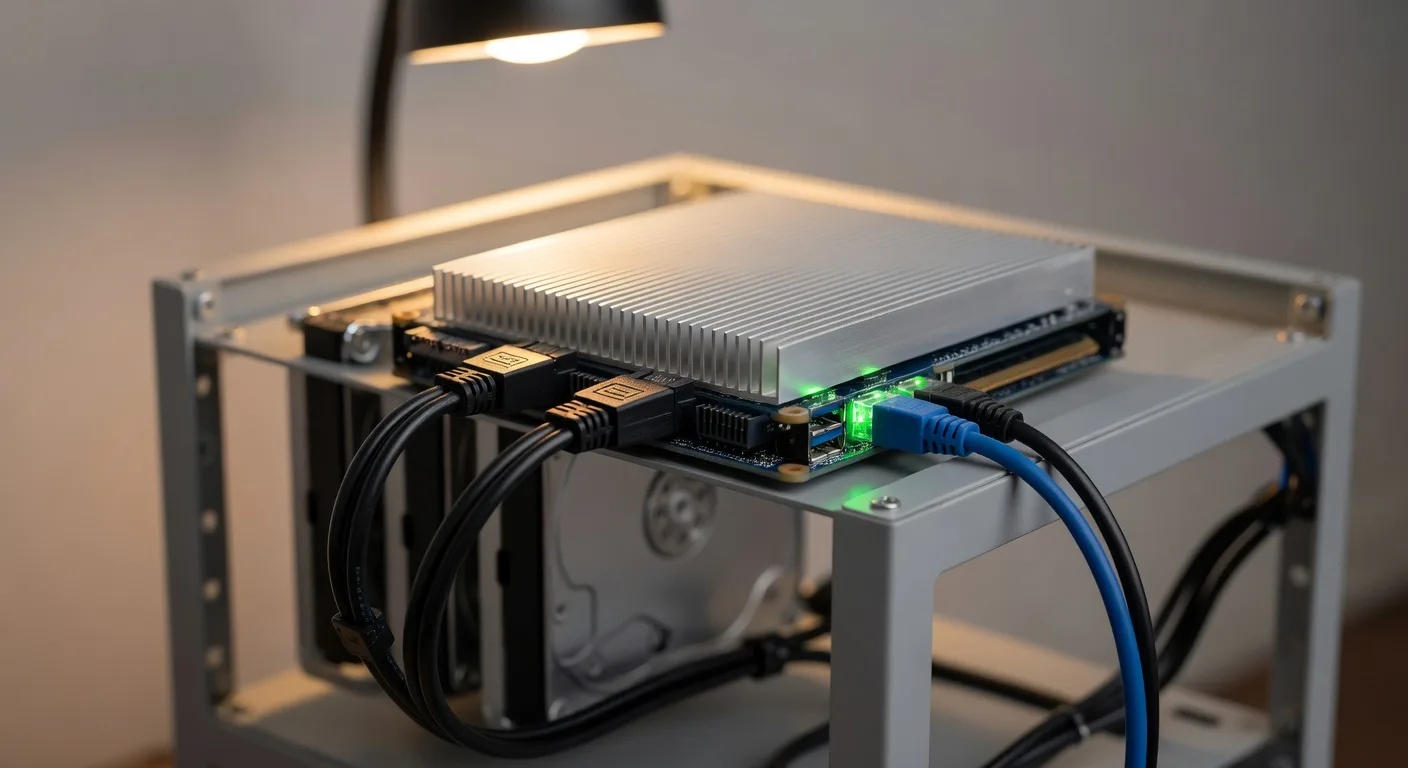
The x86 part is what matters. TrueNAS, Proxmox, and basically every real home lab OS run better on x86 than ARM. You also get Intel QuickSync transcoding, useful for Plex and Jellyfin, plus the ability to run the dozens of containers and tools that quietly assume x86_64.
IceWhale documents the ZimaBoard 2 in the single-digit-watt idle range with a ceiling in the high teens under sustained load, which is in line with other passively-cooled N-series boards. Louder than a Pi and a bit bigger (5×3 inches), but smaller than any mini PC.
Software is the killer feature. Every container and server tool that “just works” on x86 actually works here. Check ZimaBoard 2 pricing.
Verdict: best x86 alternative if you want a real home server. Pair it with my home lab servers for beginners guide.
Honorable Mentions
A few more boards worth a mention but not in the top tier. The Radxa X4 is a Pi-shaped x86 board running Intel N100; the ZimaBoard does the same job with more I/O for similar money. Radxa X4 on Amazon. The Banana Pi BPI-F3 runs a RISC-V chip and is cool but a total nightmare day-to-day. The BeagleBone Black still wins for industrial GPIO work, but for general SBC duty in 2026 it’s outclassed.
What Most Lists Get Wrong
The board itself is rarely the bottleneck. The software ecosystem is. I’ve watched plenty of Pi-curious buyers grab an Orange Pi for the spec sheet, then return it three weeks later because their HAT wouldn’t work or a Docker container kept crashing on a kernel quirk.
Before you buy any Pi alternative, ask: Does the board have an active Armbian or mainline Debian image? Are the apps you want to run tested on this chipset? Will you be okay running a downstream kernel for the life of the board? If yes to all three, the alternative is worth it. Otherwise, get a Pi 5.
Frequently Asked Questions
Are Raspberry Pi alternatives actually cheaper?
Not always. By the time you add RAM upgrades, NVMe, and a real power supply, alternatives like the Orange Pi 5 Plus 16GB land within $20-$40 of a similarly-equipped Pi 5. Where you save is on integration: boards like the Orange Pi include NVMe slots and 2.5GbE that the Pi requires HATs for.
What’s the best Raspberry Pi alternative for beginners?
Just buy a Pi 5. The Pi’s ecosystem advantage outweighs everything else for beginners. Alternatives become interesting once you’ve already done a couple of Pi projects.
Can I run Raspberry Pi OS on an Orange Pi or Rock Pi?
No. Raspberry Pi OS is built specifically for the Pi’s Broadcom chipset. On Orange Pi or Radxa boards, you’ll run Armbian or a vendor-specific Ubuntu image. Most software you’d run on Pi OS (Pi-hole, Home Assistant, Docker, Plex) runs fine on Armbian.
Are Pi alternatives good for AI and machine learning?
Only the NVIDIA Jetson line is a real AI board. Orange Pi 5 Plus and Radxa Rock 5B+ have a 6 TOPS NPU that works for specific use cases like Frigate, but the software story is rough. For real AI work, get a Jetson Orin Nano Super.
Will my Raspberry Pi HATs work on an Orange Pi?
Maybe, but don’t count on it. The 40-pin GPIO header is physically similar but not identical in software. Generic HATs usually work after configuration. Smart HATs with their own firmware usually don’t.
Which One Should You Actually Buy?
If you only want one answer: Orange Pi 5 Plus 16GB. It’s the best all-around Pi alternative in 2026, and the Armbian image is mature enough that you won’t fight it.
If AI is your reason for leaving the Pi, get the Jetson Orin Nano Super. If you want a real x86 home server, ZimaBoard 2 is the move. If you’re a software purist who wants mainline Linux forever, Le Potato is the honest answer.
And if you’re still not sure, that’s a strong signal to stick with the Pi 5. The ecosystem advantage is real. You can always grab a Pi 5 cases and cooling setup and turn it into the long-term workhorse it’s meant to be.
The best board is the one you’ll actually use. Pick the one that solves your specific problem, not the one with the highest spec sheet.