
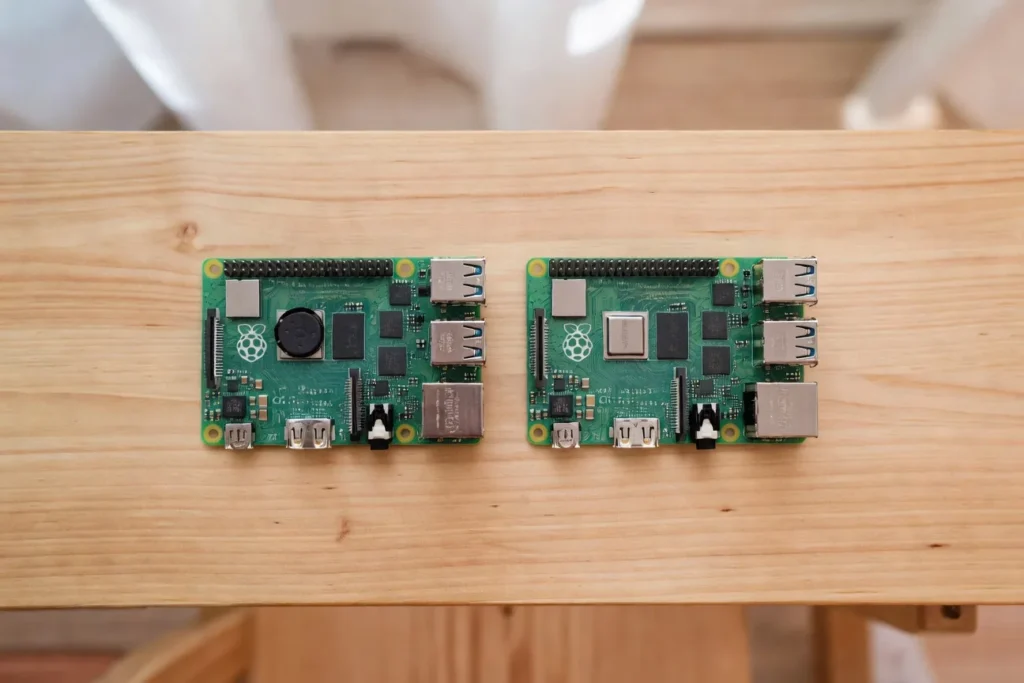
Raspberry Pi 5 vs Raspberry Pi 4: Should You Upgrade in 2026?
The short answer: yes, upgrade if you want NVMe storage, run AI workloads, do desktop browsing, or emulate N64 and Dreamcast. No, stick with the Pi 4 if you have one already running Pi-hole, Home Assistant, a print server, a basic NAS, or any 24/7 background task that does not need raw CPU horsepower. The Pi 5 is roughly two to three times faster, but Pi 4 is cheaper, cooler, and still everywhere.
I have been running Raspberry Pis around the house for almost a decade. I’ve got a couple of Pi 4s still humming along on a shelf doing thankless jobs. The Pi 5 is the board to reach for when speed actually matters. Both have a place. The decision is not about which board is “better” in some abstract sense. It is about what you are building, what you already own, and where your money is best spent.
The honest, project-by-project rundown follows.
The Quick Spec Comparison
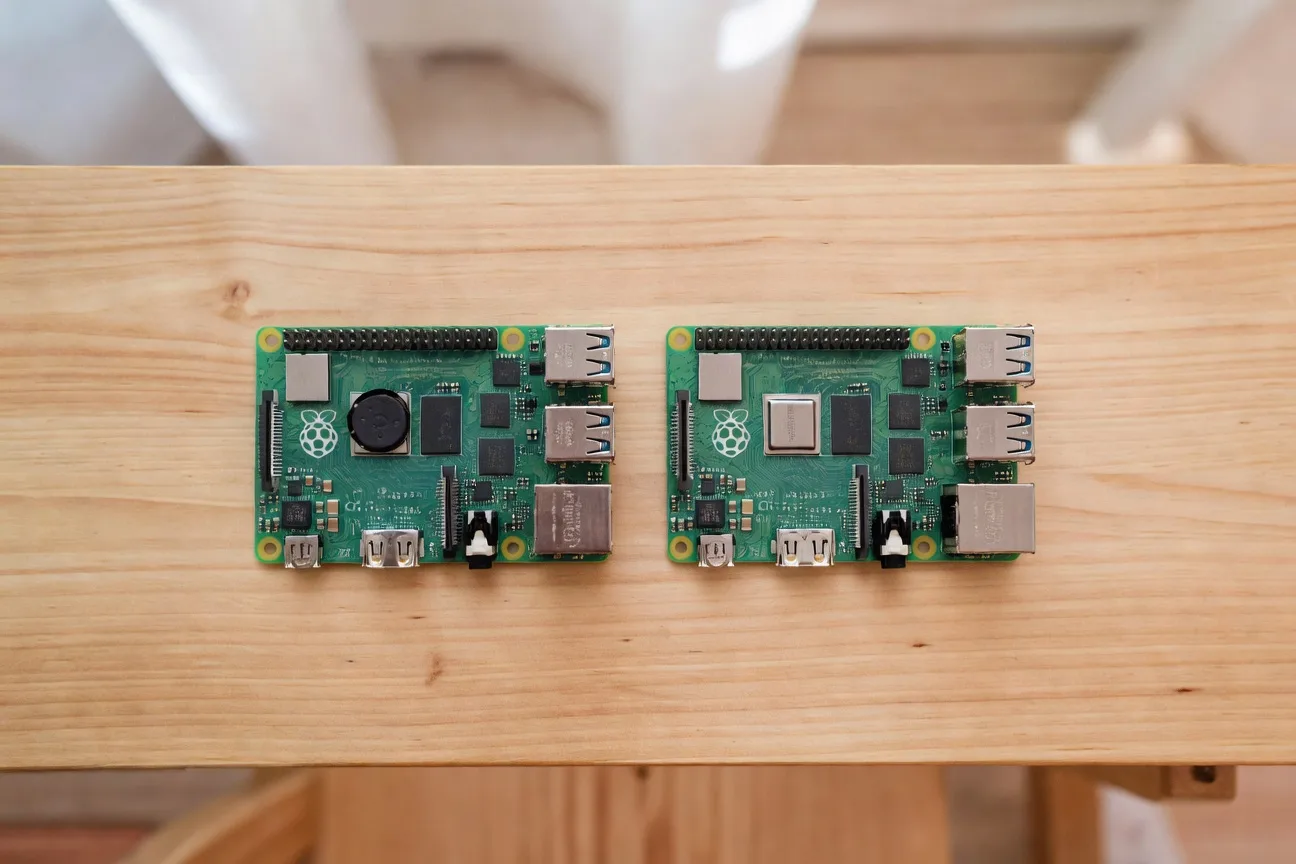
The headline numbers worth knowing:
- CPU: Pi 5 is a 2.4 GHz quad-core Cortex-A76. Pi 4 is a 1.5 GHz (later 1.8 GHz) quad-core Cortex-A72. Roughly 2 to 3x faster.
- RAM: Pi 4 ships in 1, 2, 4, and 8GB. Pi 5 ships in 2, 4, 8, and a newer 16GB SKU.
- Storage: Pi 5 has a PCIe 2.0 lane for NVMe via a HAT. Pi 4 is stuck with SD cards or USB SSDs.
- Power: Pi 5 wants the official 27W USB-C supply. Pi 4 runs on 15W USB-C.
- Thermal: Pi 5 needs active cooling for sustained loads. Pi 4 runs passive for most jobs.
- Price: Pi 5 8GB is around $80. Pi 4 8GB is around $75 new, cheaper used. Pi 4 4GB sits around $55 new.
That is the brochure. Now for what actually matters.
When the Pi 4 Is Still the Right Call
A common stable setup is a Pi 4 4GB running Pi-hole and a separate Pi 4 8GB running Home Assistant. Neither of those has any business being upgraded. For a 24/7 ad blocker, the Pi 4 still works fine, and I documented exactly how to set that up in our Pi-hole setup guide. The CPU is asleep most of the time. Putting a Pi 5 on that job is like putting a sports car in commuter traffic.
The Raspberry Pi 4 Model B 4GB is still my go-to recommendation for light-server jobs. It pulls less power, throws less heat, and costs less. If you already own one doing this kind of work, leave it alone.
Pi-hole and DNS Filtering
A Pi-hole instance handles maybe 50 to 100 DNS queries per second on a busy home network. That is nothing. A Pi 4 idles through it on a fraction of one core. There is no perceptible speed difference between a Pi 4 and a Pi 5 doing DNS work. The bottleneck is your upstream resolver, not the board.
Home Assistant
Home Assistant on a Pi 4 8GB is fine for most setups. A typical mid-size install (dozens of Zigbee, Wi-Fi, and MQTT devices) sits well within Pi 4 4GB headroom, and the Home Assistant docs still list the Pi 4 as a recommended platform. Where the Pi 4 starts to struggle is heavy add-ons like Frigate for camera AI, or local Whisper voice processing. That is where Pi 5 starts to earn its keep.
Print Server, File Sharing, Basic Retro Gaming
A Pi 4 will saturate gigabit Ethernet for SMB file shares with room to spare. Print spooling barely registers. If your retro library tops out at NES, SNES, Genesis, GBA, and PlayStation 1, RetroPie on a Pi 4 4GB is a perfectly good first build for under $80.
When the Pi 5 Is Worth Every Dollar
I waited about six months after the Pi 5 launched before buying one. Once I plugged it in, I understood the fuss. The desktop is finally usable. Compile times are reasonable. NVMe storage is a real thing now. There are jobs I would never have asked a Pi to do that the Pi 5 handles without complaint.
The Raspberry Pi 5 8GB is the sweet spot for most new builds. If you are not sure which Pi to buy in 2026, this is the default.
NVMe Storage
This is the single biggest Pi 5 unlock. The Pi 5 has a PCIe 2.0 x1 lane that you can route to an NVMe drive through an M.2 HAT. Public benchmarks (Jeff Geerling, Pimoroni’s product docs) put real-world sequential reads around 400-450 MB/s at stock Gen 2, with the PCIe Gen 3 overclock pushing closer to 800 MB/s when stable. SD cards are dead weight by comparison. If you are running anything database-heavy like Home Assistant with long-term stats, Nextcloud, or a self-hosted media server with metadata, NVMe on the Pi 5 is transformative. The Pi 4 cannot do this. There is no PCIe slot. USB SSDs on a Pi 4 cap out around 300 MB/s and the protocol overhead chews into latency.
Retro Gaming N64, Dreamcast, PSP, and Up
The Pi 4 hits a wall right around N64 and Dreamcast. Some games run, others stutter, frame pacing is a mess. The Pi 5 chews through both and gets into the PSP and early PS2 conversation. If your retro ambitions go past the 32-bit era, you want a Pi 5. The CanaKit Pi 5 kit is the easiest way to get rolling because it includes the active cooler you need under sustained emulation load.
AI, Desktop Use, and Sustained CPU
If you have any interest in running an LLM locally, doing object detection with Frigate, or playing with the AI HAT+, you need a Pi 5. The Pi 5 8GB or the newer 16GB SKU hits the sweet spot at 3B quantized models, where community benchmarks (r/LocalLLaMA, Ollama GitHub) show conversational speeds. 7B Q4 will technically load on the 16GB and run on the CPU, but it’s slow enough to feel like a batch job, not a chat. The Hailo AI HAT+ doesn’t help with LLM inference (it runs compiled vision models, not transformers), so the only path to faster local LLMs from here is a different board, like a Jetson. The Pi 4 is capped at the 1B class. It works for casual chat and small tool calls, but the moment you reach for 3B you’re back to “watch the tokens drip out.” For the deeper LLM-on-Pi-5 breakdown, see how to run AI agents on a Raspberry Pi 5.
The Pi 5 as a desktop is genuinely good. Chromium with a dozen tabs, VS Code, video playback, light photo editing. It is in the realm of “I could actually use this as a daily driver.” Same story for compiling code, running heavy Docker stacks, or transcoding through Plex or Jellyfin.
People Also Ask
Is the Pi 5 worth it?
The Pi 5 is worth it if you are starting a new project that benefits from real CPU speed, NVMe storage, or AI workloads. For retro gaming past N64, a self-hosted media server, a desktop replacement, or anything LLM-related, yes. For lightweight 24/7 jobs like Pi-hole, a basic Home Assistant install, or a print server, the Pi 4 is cheaper and just as capable. The Pi 5 at around $80 for the 8GB board is a fair price for a 2 to 3x performance jump. The honest answer depends on the job, not the board.
Can I use Pi 4 accessories with Pi 5?
Some, not all. The GPIO header is the same 40-pin layout, so most HATs work as long as they don’t physically collide with the new Pi 5 board features like the PCIe connector or the relocated USB ports. Camera ribbon cables changed from the 22-pin connector to a smaller 15-pin one, so you need an adapter cable or a new camera. Display cables changed in the same way. SD cards and microSD cards transfer fine. Power supplies are the big gotcha: the Pi 4 had a 15W supply that will not run a Pi 5 under load. You need the 27W USB-C supply or you will get under-voltage warnings.
Is the Pi 5 backwards compatible?
The Pi 5 runs the same Raspberry Pi OS and the same software stack, so most projects port over without changes. SD card images need to be the newer 64-bit Bookworm-based builds, not legacy 32-bit images. The 40-pin GPIO header is the same, and the pinout is unchanged. Where compatibility breaks: HATs that bolt over the area where the Pi 5 now has a PCIe FFC connector, accessories that depended on the older camera and display connector sizes, and the older 15W power supplies. From a code perspective, almost everything that ran on a Pi 4 will run on a Pi 5. From a physical perspective, expect some accessories to need adapters or replacement.
How much faster is Pi 5 than Pi 4?
Per Jeff Geerling’s Pi 5 benchmarks and the Raspberry Pi Foundation’s documentation, the CPU is roughly two to three times faster depending on the workload. Single-threaded performance is closer to 2x. Multi-threaded jobs that scale across all four cores often hit a true 3x. Memory bandwidth is around 2x higher on the Pi 5. Storage is where the gap blows wide open: NVMe on the Pi 5 is around 5 to 10x faster than the fastest SD card on a Pi 4, which transforms anything I/O-bound. Real-world boot times, application launches, and compile times all roughly halve. It is the biggest generational jump in Pi history.
The Pi 4 Secondhand Market Is Real
One thing nobody talks about: the Pi 4 secondhand market is healthy in 2026. People are upgrading to Pi 5s and offloading their Pi 4s on eBay and r/raspberry_pi_market. You can pick up a used Pi 4 4GB for $30 to $40, and a used 8GB for $50 to $60. If you only need a board for a basic 24/7 job, this is the cheapest path in.
If you want a new Pi 4 8GB with full warranty, it still ships and pairs with any standard Pi 4 case and 15W USB-C power supply. The Raspberry Pi Foundation has committed to producing the Pi 4 through at least 2030, so it is not going anywhere.
Power Consumption and the 24/7 Argument
If your build is always on, power matters. Per Raspberry Pi Foundation documentation and Jeff Geerling’s power benchmarks, the Pi 4 idles in the low single-digit watt range with a sustained-load ceiling in the mid single digits, and the Pi 5 idles slightly higher with a sustained-load ceiling in the high single digits. At average US electricity rates, the running-cost difference between the two boards 24/7 lands in the “couple bucks a year” range. Power is not the deciding factor. Heat is. The Pi 5 under load runs hot, and without active cooling it will thermal throttle starting at 80°C per the Foundation’s specs. If you put a Pi 5 in a passively cooled case and run it 24/7 with any real workload, you lose performance over time. The official Pi 5 27W USB-C supply paired with an active cooler keeps the Pi 5 well below the throttle threshold under sustained load on community thermal tests. For the full thermal breakdown, see Pi 5 cases and cooling in 2026.
The Decision Tree
If you are still on the fence, here is how I think about it.
You already own a Pi 4 doing a 24/7 background job: leave it alone. The performance jump won’t change your life and you will spend $80 plus accessories to gain nothing visible.
Starting from zero, light project: a used Pi 4 4GB for $30 to $40 or a new Pi 4 4GB for around $55. Pi-hole, print server, basic Home Assistant, file sharing all run fine.
Starting from zero, want one Pi to do a bit of everything: the Pi 5 8GB paired with the official 27W USB-C supply. Best default Pi in 2026.
Want a desktop replacement, NVMe storage, AI workloads, or retro gaming past the PSP era: Pi 5 only. The Pi 4 cannot do these well.
Want the easiest no-research buy with everything in the box: the CanaKit Pi 5 starter kit bundles the board, 27W supply, SD card, active-cooler case, and HDMI cables for about $130. If you have never touched a Pi before, the CanaKit bundle is the smoothest entry point.
If you’re getting started with Pi projects in general, see my Pi 5 projects for beginners roundup for ideas worth your first weekend.
Final Take
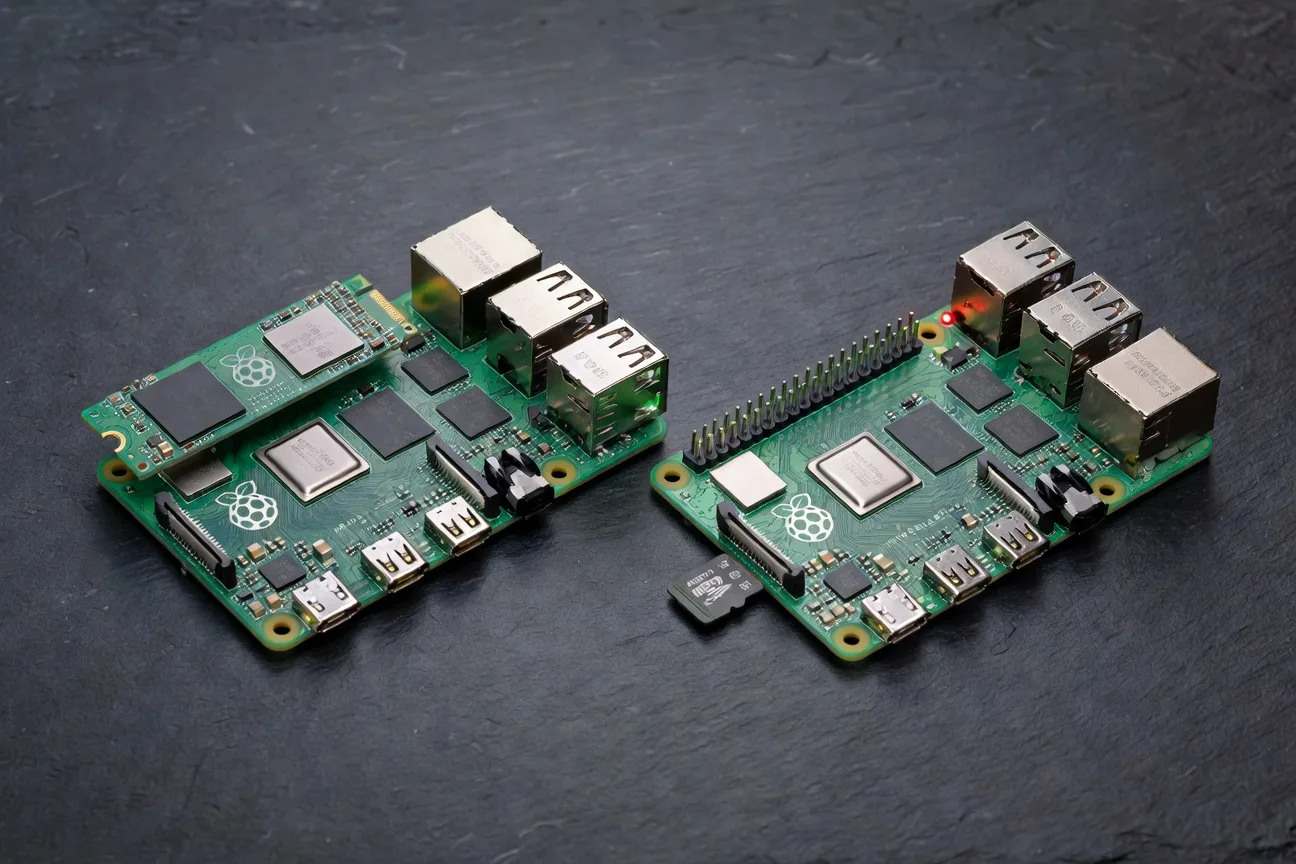
Pi 5 if you are starting fresh and want headroom. Pi 4 if you have one already doing a job that is not CPU-bound. The hardest part is being honest with yourself about whether you actually need the speed. Most home server jobs do not. Most desktop and AI projects do. The wrong move is buying a Pi 5 to run a job a Pi 4 already handles. Spend the money on what comes next: NVMe, the AI HAT, a real case with cooling. Pick by goal, not by spec sheet.