
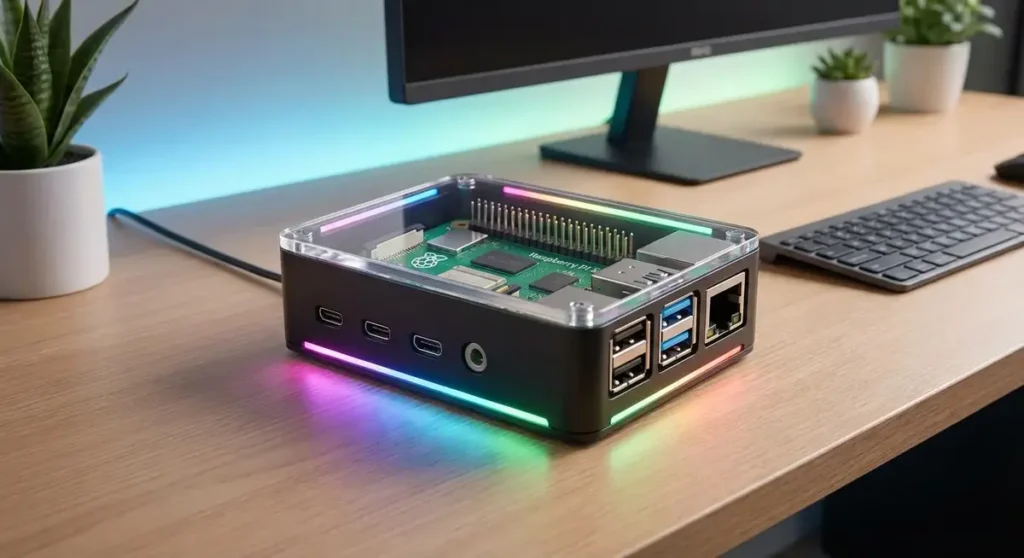
I’ve been running Raspberry Pis around my house for nearly a decade now. My first one was a Pi B+ that I turned into a retro gaming station, and honestly, it was a mess. I didn’t know what I was doing, fried an SD card, and had to start over twice. But that trial by fire taught me a ton, and now I’ve got five Pis doing various things around my place. The Pi 5 is the best one yet for beginners. It’s fast enough to actually be useful as a daily driver, the GPIO pins are easier to work with, and the ecosystem of cases and accessories has finally caught up.
If you’re thinking about getting into Pi projects but don’t know where to start, here are my favorite beginner-friendly projects for the Raspberry Pi 5 in 2026.
Why the Raspberry Pi 5 is Perfect for Beginners
The Pi 5 dropped in late 2023, and it’s a real step up. The CPU is roughly two to three times faster than the Pi 4, which means things that used to take forever now happen instantly. Boot times are faster, web browsing is usable directly on the device, and you can actually run desktop-class applications without pulling your hair out.
What makes it great for beginners is that it’s still cheap. You can grab a Pi 5 board for around $60, and there’s a massive community of tutorials, forums, and YouTube videos that can walk you through almost any project. The hardest part is usually just figuring out which project to start with.
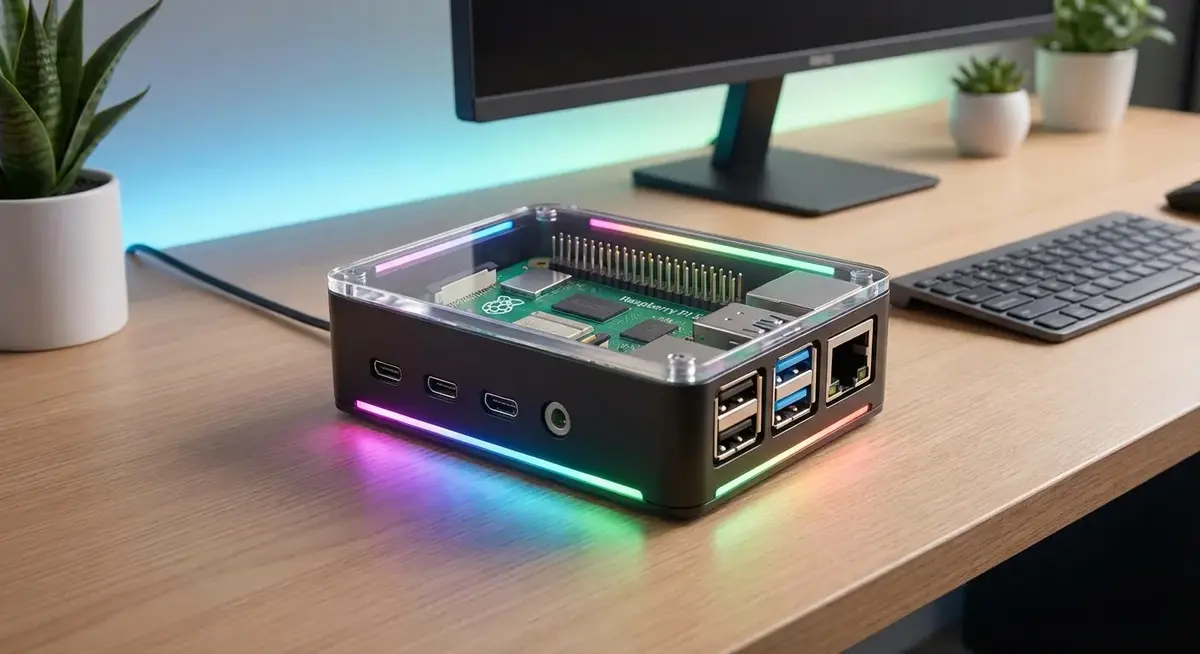
1. Network Ad Blocker with Pi-hole
This is the project I recommend to everyone first. If you only do one Pi project this year, make it this one.
Pi-hole turns your Pi into a network-wide ad blocker. Instead of installing ad blockers on every device in your house, you point your router at your Pi, and it blocks ads for your entire network. Phones, laptops, smart TVs, everything. The setup takes about 30 minutes, and the results are immediately noticeable. No more YouTube ads on your TV, no more banner ads on websites, and surprisingly, a lot of tracking scripts never make it to your devices either.
We have a full Pi-hole setup guide that walks you through it step by step. I use this setup daily and haven’t touched an ad blocker browser extension in years.
2. Home Automation Hub
The Pi 5 runs Home Assistant beautifully. Home Assistant is open-source software that connects to almost every smart device in your house, from lights and thermostats to doorbells and sprinklers. You can create automations like “turn on the porch light when the doorbell rings” or “turn off all lights at 11 PM.”
The Pi 5 has enough horsepower to handle dozens of devices without lag. You’ll need a decent SD card or, better yet, an external SSD for storage, but once it’s set up, you’ve got a local smart home hub that doesn’t depend on cloud services. If a company like Philips or Ring goes out of business, your stuff still works.
3. Retro Gaming Console
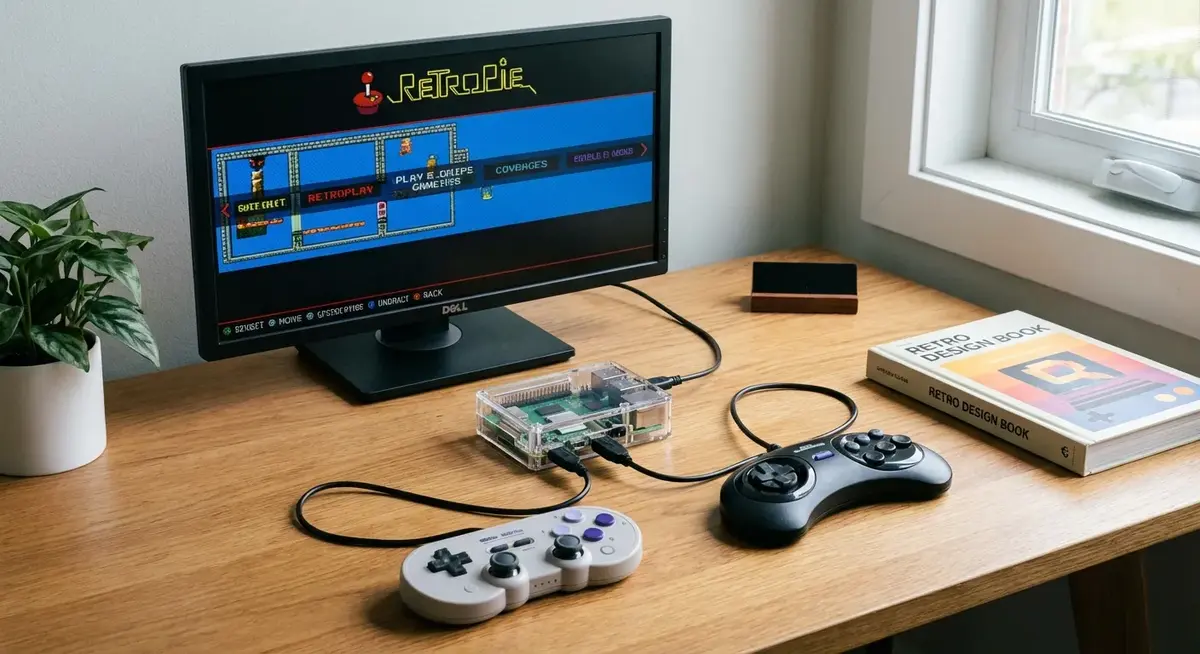
This is the project that got me into Pis, and it’s still one of the most fun. Using emulation software like RetroPie or Batocera, you can turn a Pi 5 into a retro gaming console that plays games from NES, SNES, Genesis, PlayStation, N64, and dozens of other classic systems.
The Pi 5 handles even the more demanding emulators like N64 and Dreamcast without issue. You’ll need a good game controller and a case with heatsinks to keep things cool during long gaming sessions. Total cost for a solid retro console is around $100-120, which is cheaper than buying a dedicated retro console and way cheaper than collecting original hardware.
4. Personal Cloud Storage
Tired of relying on Google Drive or Dropbox? The Pi 5 can run Nextcloud or ownCloud, giving you your own private cloud that’s accessible from anywhere. Store files, photos, calendars, contacts, and more, all hosted in your own home.
You’ll want a large external hard drive or SSD to store your files, and you’ll need to set up dynamic DNS if you want to access it from outside your home network. But once it’s running, you’ve got complete control over your data. No subscription fees, no storage limits except what you provide, and no one else can see your files.
5. Print Server
That old printer sitting in your office? The Pi can bring it back to life as a network printer. CUPS (Common Unix Printing System) lets you connect any USB printer to your Pi and make it available to every device on your network. Mac, Windows, phone, it doesn’t matter. Everyone can print to the same printer without digging for drivers or hooking up cables.
This is one of the simplest projects on this list. It takes about 20 minutes to set up, and it solves a real problem if you have multiple computers and one printer.
6. VPN for Remote Access
If you travel at all, a home VPN is invaluable. When I’m on the road, I use my Pi VPN to securely access my home network, which means I can log into my Home Assistant instance, grab files from my NAS, and generally treat my home network like I’m sitting in my office.
WireGuard is the modern standard here. It’s faster and simpler than the old OpenVPN setups, and the Pi 5 handles encryption without breaking a sweat. There are plenty of tutorials, and once it’s running, you can connect from your phone or laptop with a free app.
7. Time Machine Backup for Macs
If you have a Mac, you know Time Machine is great until you run out of space on your backup drive. A Pi with an external drive can serve as a dedicated Time Machine backup target for every Mac in your house. It’s a fraction of the cost of a Time Capsule, and it’s completely silent since the Pi has no moving parts.
8. Security Camera System
The Pi can run MotionEye or ZoneMinder, turning old USB webcams into a legitimate home security system. You can set up motion detection, recording schedules, and alerts. For basic home monitoring, this works surprisingly well and costs almost nothing if you already have cameras lying around.
For something more modern, you can integrate Reolink or other IP cameras with the Pi running Frigate, which provides local AI object detection. No cloud subscription required, no footage leaves your network unless you want it to.
9. Weather Station
If you’re into weather or have kids doing science projects, a Pi weather station is a fantastic hands-on project. You can connect temperature sensors, humidity sensors, barometric pressure sensors, and even an anemometer to the GPIO pins. Pull all the data together with software like WeeWX, and you’ve got a personal weather station that feeds data to Weather Underground or your own dashboard.
10. Kubernetes Cluster
Okay, this one is a bit more advanced, but if you want to learn modern DevOps skills, you can build a real Kubernetes cluster with multiple Pi 5s. It’s called k3s (a lightweight Kubernetes distribution), and it runs great on ARM. You’ll learn about containerization, orchestration, and deployment pipelines, all on hardware that costs less than a coffee shop laptop.
Hardware You’ll Need
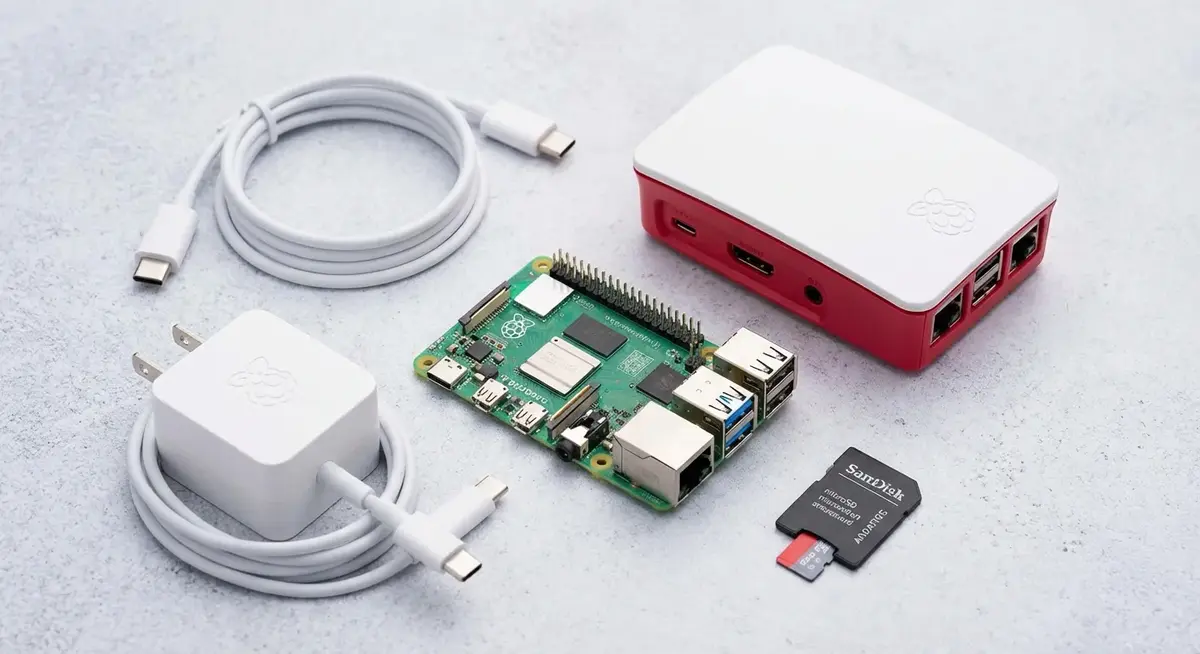
Starting out, here’s what I’d recommend picking up:
- Raspberry Pi 5 (4GB or 8GB): The 8GB model gives you more headroom for running multiple services. About $80.
- Power supply: Don’t cheap out here. Get the official Pi 5 power supply. About $20.
- Case with active cooling: The Pi 5 runs hot. A case with a fan makes a huge difference. The Argon ONE case is popular and well-designed. About $25.
- SD card: A fast 256GB card gives you plenty of room. About $30.
- Starter kit: If you want everything in one box, the Canakit starter kit includes the Pi, power supply, case, SD card, and heatsinks. About $130.
Frequently Asked Questions
What can a Raspberry Pi 5 actually do?
A Raspberry Pi 5 can function as a full desktop computer for basic tasks, a home server for media or files, a network device for ad blocking or VPNs, or a development platform for programming and electronics projects. It’s powerful enough for most home server use cases but small and cheap enough that it’s okay if you experiment and mess things up.
Do I need a monitor and keyboard to set it up?
No. The easiest way to get started is to flash your SD card with Raspberry Pi OS using a tool called Raspberry Pi Imager on your regular computer, then enable SSH and WiFi through the imager settings. You can then log into your Pi remotely from your computer using a terminal. This is how I set up all my Pis now.
How much does a Raspberry Pi project cost to run?
A Pi 5 uses roughly 5-10 watts depending on what you’re doing. At average US electricity rates, that’s about $5-10 per year in electricity. Very cheap to run continuously.
Can I use an SSD instead of an SD card?
Yes, and for most server projects, you should. SD cards can fail after many write cycles, and they’re slower than SSDs. You can connect a USB-C SSD via the Pi’s USB-C port, or use a NVMe SSD with an adapter. For a home server, this is worth the extra cost.
Is the Raspberry Pi 5 good for learning to code?
Yes. Python comes pre-installed on Raspberry Pi OS, and there’s a massive ecosystem of tutorials and libraries. You can start with simple scripts and progress to GPIO programming, web development, or automation. The Pi is literally designed for education.
Which Project Should You Start With?
If you’re new to this, I’d suggest starting with Pi-hole. It’s the quickest win, the results are immediately visible, and it teaches you the fundamentals of how Linux works without being overwhelming. From there, you can branch out to whatever catches your interest.
The best project is the one you’ll actually use. Pick something that solves a problem you have, and you’ll stay motivated to see it through.